Random Wheel For Fun
Free random wheel picker – add text or choose from the icon catalog. Up to 30 items. Click START to spin.
Results


Selected Item
Catalog
Selected: 0 Remaining: 20Random Wheel For Fun - Free Spin Wheel Picker for Fair Decisions
Random Wheel For Fun is a free online spin wheel picker. Add up to 30 text or SVG icon entries and spin for a fair choice. No login, no server - everything stays in your browser. Great for games, classroom activities, chores, meal ideas or quick decisions.
How Random Wheel For Fun Works
How to Add Items
- Type your entry into the input field and press Enter to add it instantly.
- You can also click the + Add button to include the item in your wheel.
- Every added item is displayed as a selectable tag with a Remove option, allowing you to easily manage your list.
- Turn on Auto-remove duplicates to filter duplicate text entries automatically. Icons are not affected by this setting.
How to Add Icons
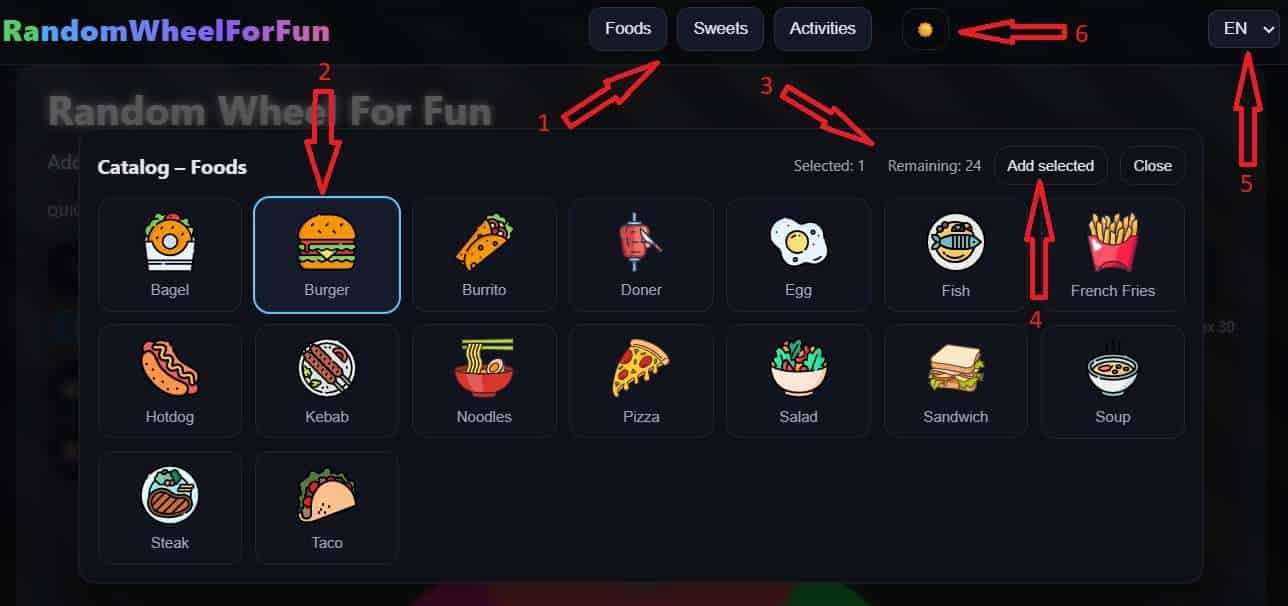
- Click one of the catalog icon buttons for Foods, Sweets, Activities, or Animals.
- Select one or more icons. Chosen icons are highlighted with a colored border.
- Check the Selected and Remaining counters to stay within the 30 item limit.
- Click Add selected to add all chosen icons, or Close to leave the catalog.
- Use the language selector and theme toggle to personalize the interface while you build your wheel.
Quick Start - Ready-Made Wheels
Don't want to add items manually? Use the Quick Start presets to instantly load a ready-made wheel with one click.
- Yes / No - A simple two-option decision wheel.
- True / False - Perfect for quizzes and games.
- 1-6 - A virtual dice roller.
- 1-10 - Pick a random number from 1 to 10.
- Weekdays - Spin to pick a day of the week.
- Months - Randomly select a month of the year.
- A / B / C / D - Great for multiple-choice decisions.
- Teams - Randomly assign teams.
Simply click any preset button and the wheel is filled instantly. You can spin right away or customize the entries further.

Why Use a Random Wheel For Fun?
It's a quick, visual way to make fair decisions: picking a game, choosing a meal, assigning chores, classroom activities, giveaways, icebreakers, or just for fun. The wheel uses browser randomness, removes duplicates if you enable it, and can optionally remove picked items so every selection stays fair.
Random Wheel For Fun Mobile App for Android and iOS
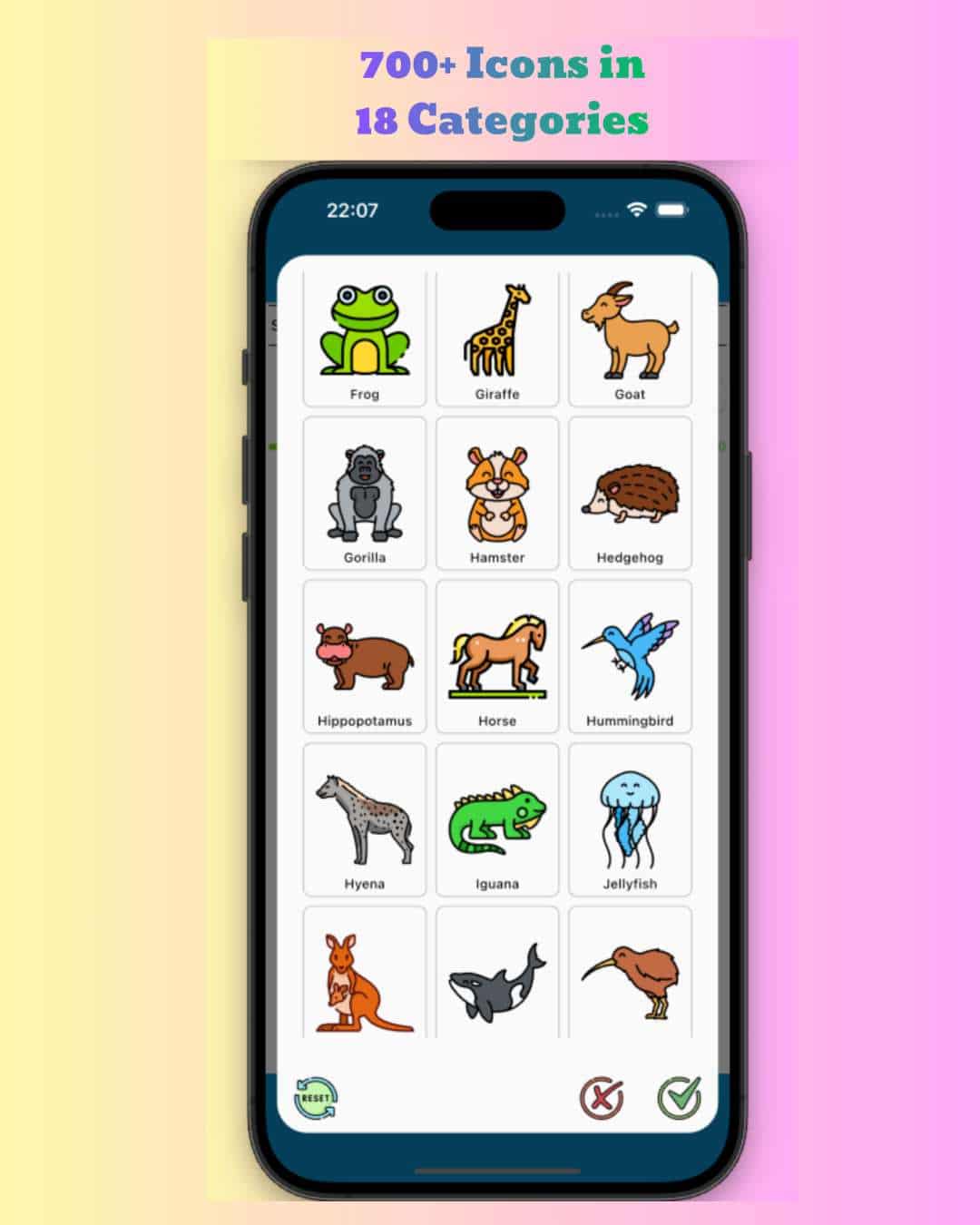
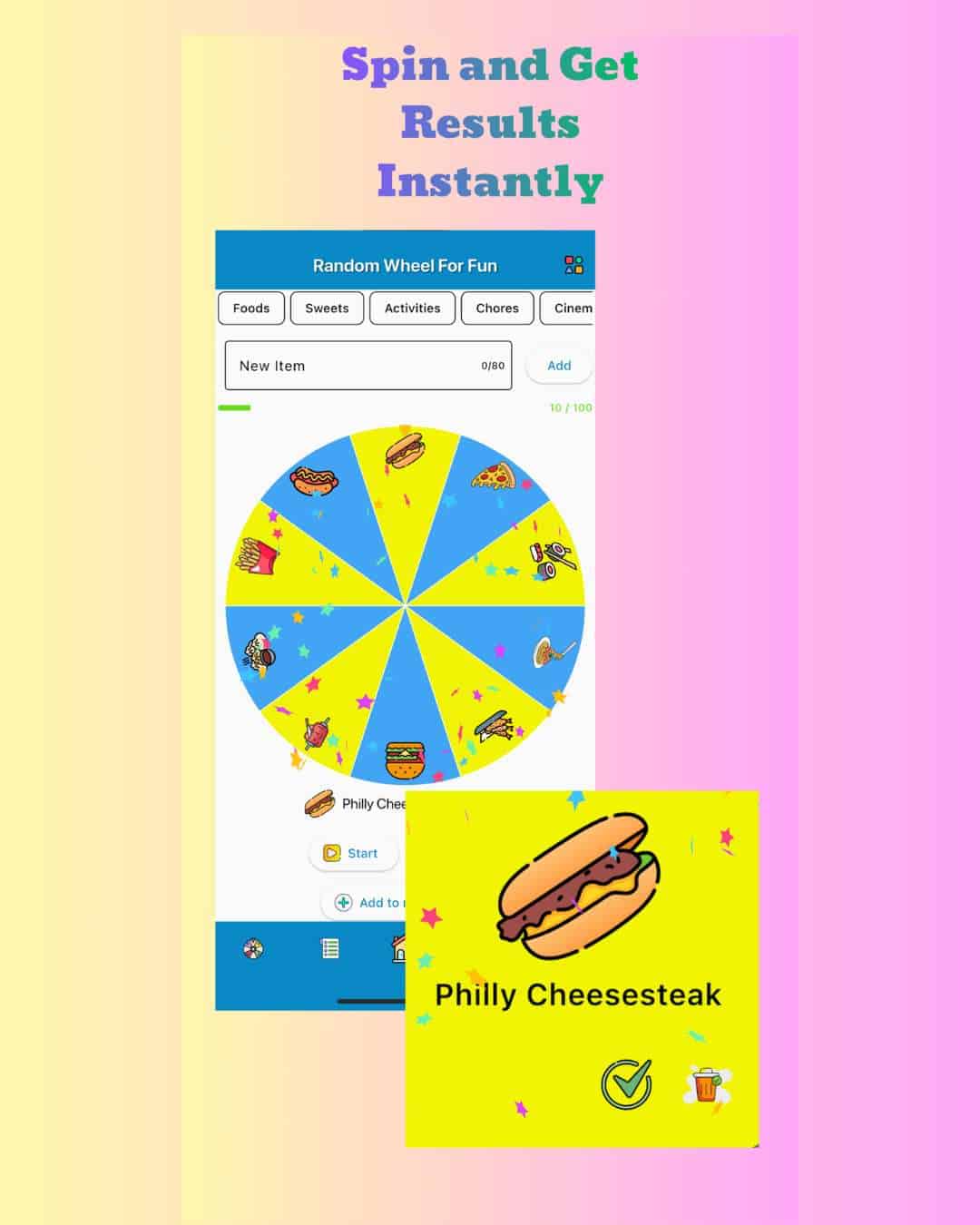
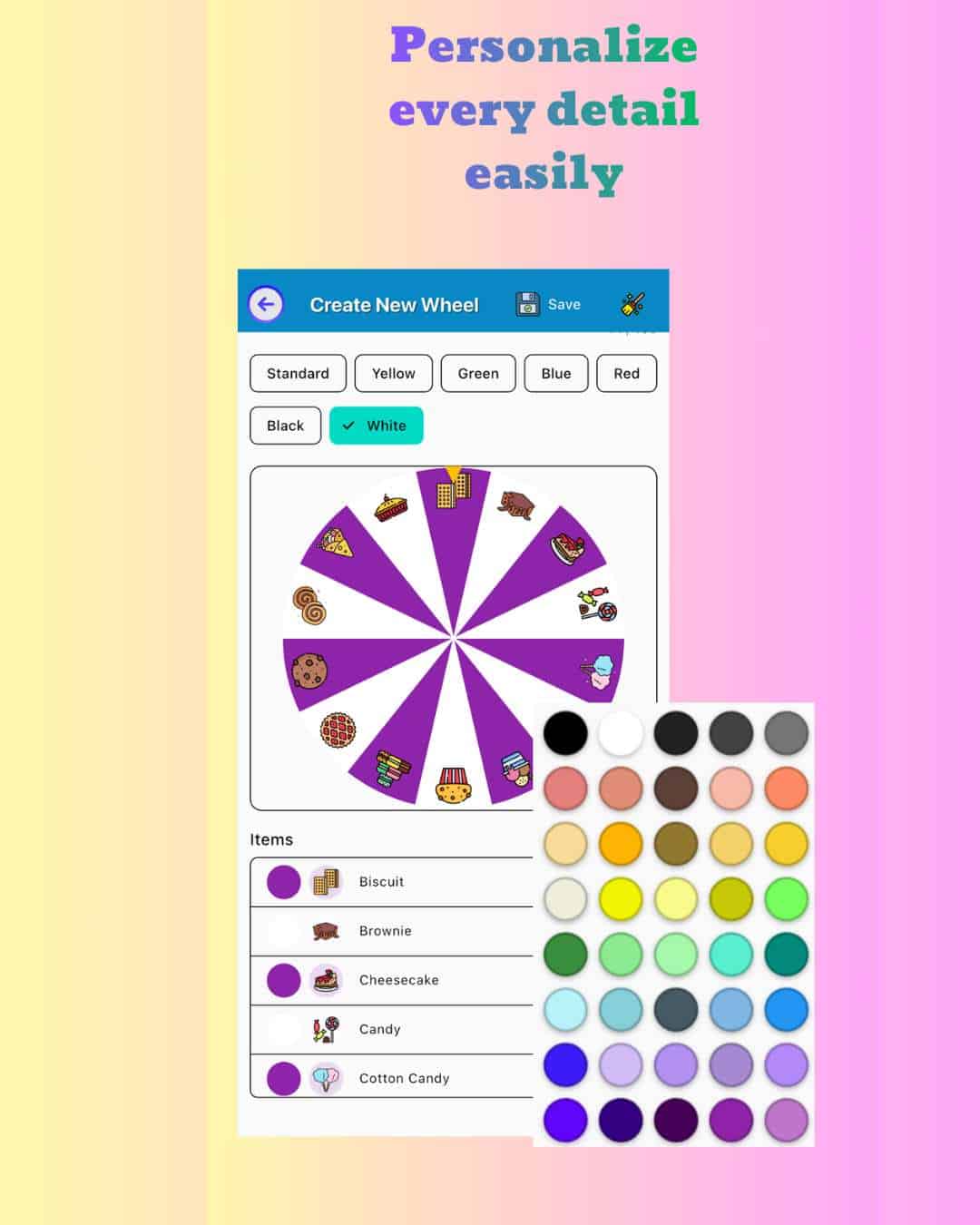
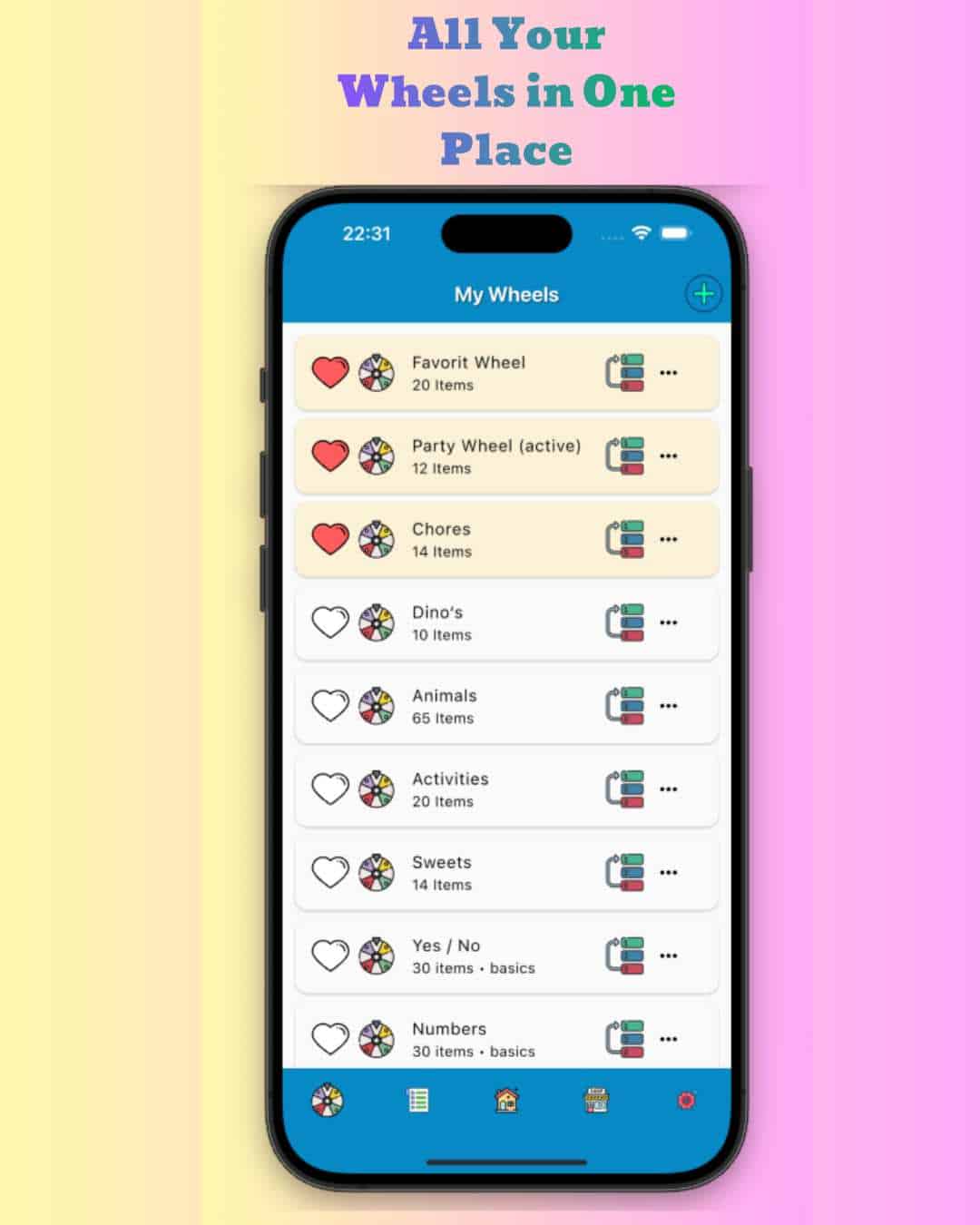
Take the fun with you! The Random Wheel For Fun app is available on Google Play and Apple App Store with even more features: 700+ icons across 18 categories, customizable wheel designs, spin history tracking, confetti animations, and support for multiple languages. Perfect for on-the-go decisions, party games, classroom activities, or family fun.
Is Random Wheel For Fun Really Random?
The wheel uses a uniform random algorithm built into your browser. This ensures that every item has the same probability of being selected. The system does not prioritize or influence any specific option, making it suitable for fair decisions, games, and neutral selection processes.
Use Cases for Random Wheel For Fun
Random Wheel For Fun can be used in many different situations. Teachers use it for classroom participation, families use it for deciding meals or activities, and friends use it for games or challenges. It is also useful for giveaways, decision-making, and productivity tools where unbiased results are important.
Privacy and Data Protection
Your privacy is important. All data stays in your browser and is never sent to a server. This means your entries, settings, and preferences remain completely private. No tracking, no login, and no personal data collection are required to use the tool.
Random Wheel for Food - Free Meal Picker
Looking for a random wheel for food? Random Wheel For Fun includes a built-in food and sweets icon catalog with dozens of meal and snack options. Add your own dishes as text, or pick from the Foods and Sweets categories, then spin the wheel and let it decide what to eat. Perfect for families, couples, restaurants, and anyone tired of the daily "what's for dinner?" dilemma.
Spin Wheel for Classroom - Teacher's Random Picker
A spin wheel for classroom activities is one of the most popular ways teachers use Random Wheel For Fun. Add student names, vocabulary words, quiz topics, or homework tasks and spin to pick randomly. No accounts, no downloads - works instantly in any browser on a projector, smartboard, or tablet. Fair for every student, every time.
Yes No Wheel - Instant Two-Option Decision Maker
Need a quick yes no wheel? Click the Yes / No Quick Start preset and the wheel loads instantly - no typing required. One spin gives you a fair, unbiased answer. Perfect for settling debates, making small everyday decisions, truth-or-dare games, or any situation where you just need a clear yes or no.
Spin Wheel for Animals - Random Animal Picker
Looking for a spin wheel for animals? Random Wheel For Fun has a built-in Animals icon catalog with 25 animals including lion, shark, eagle, fox, dolphin, and more. Open the Animals tab, pick your favorites, and spin. Great for kids' guessing games, classroom animal lessons, or any animal-themed activity.